

Tools & right sidebar
TomaNote groups its quick actions into three tool groups — Content, Font and Tab — available in the right sidebar on desktop and in the bottom bar on mobile.
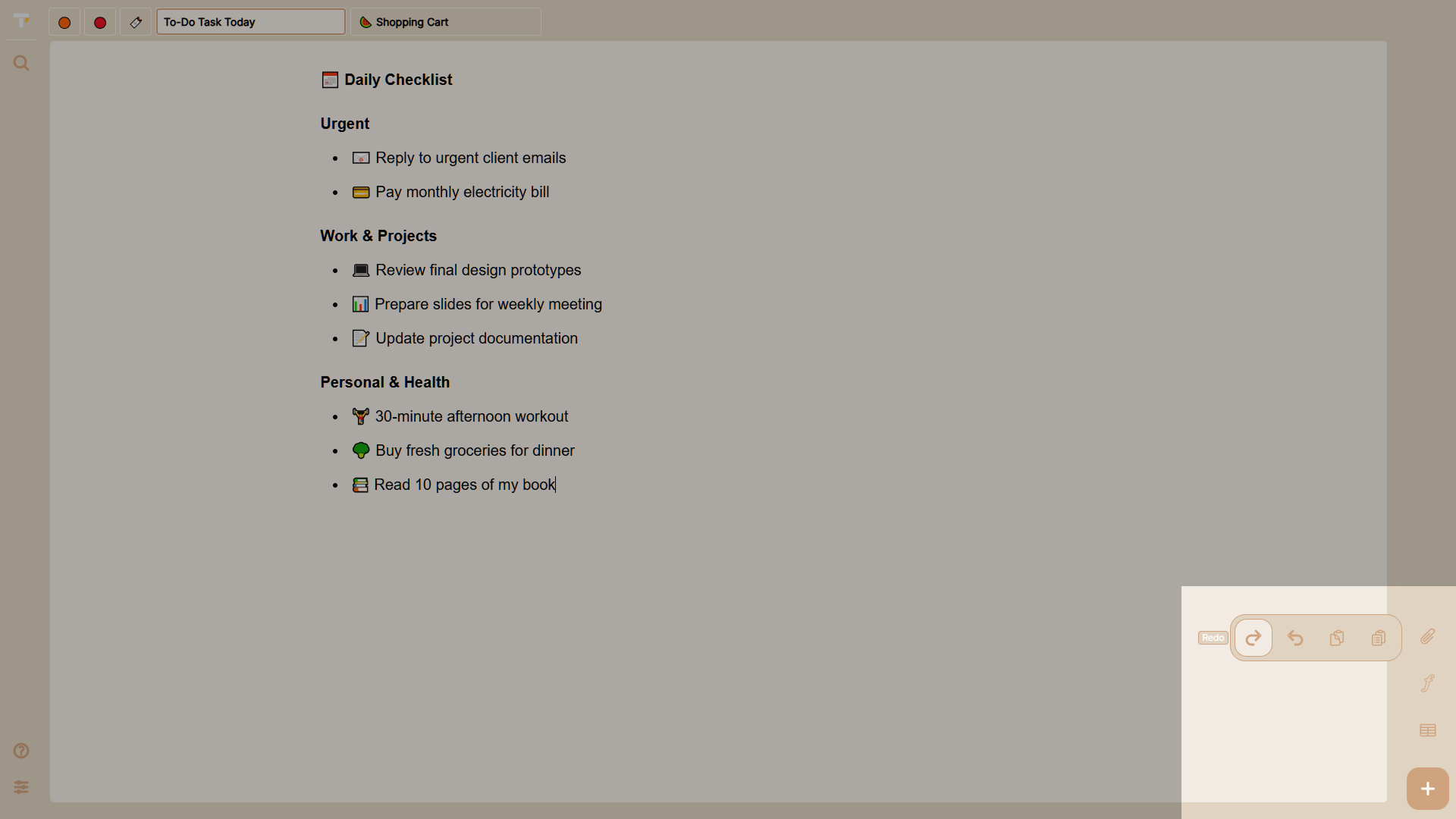
Right sidebar (desktop)
Section titled “Right sidebar (desktop)”On screens of 768 px and wider, the tools appear as a static panel on the right side of the app. Each button shows a tooltip on hover.
| Button | Action |
|---|---|
| + | Create a new note |
| Content | Redo, Undo, Copy, Paste |
| Font | Bold, Underline, Italic |
| Tab | Pin tab, Rename tab, Delete tab |
Bottom bar (mobile)
Section titled “Bottom bar (mobile)”On smaller screens the right sidebar is replaced by a bottom bar. Tap a group button (Content, Font, Tab) to open its submenu, then tap the action.
The bottom bar also includes:
- Search — opens the command palette.
- Settings — opens the settings modal.
- + — creates a new note.
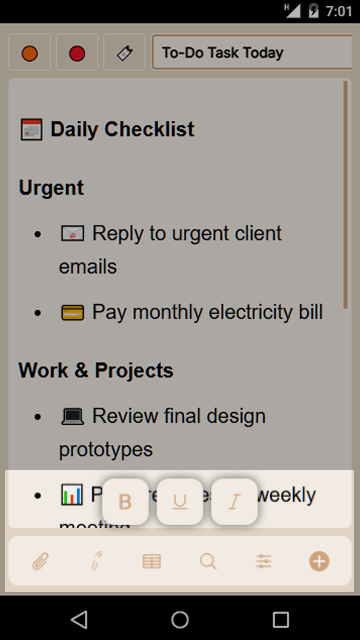
Using the tools with a selection
Section titled “Using the tools with a selection”If you select text and then click a formatting button, your selection is preserved and the formatting is applied where you selected. Deleting a tab from the tools always opens the confirmation dialog first.