

Settings
The settings modal groups the app preferences into several tabs.
Open settings
Section titled “Open settings”- Press
Alt+S. - Click the gear button at the bottom of the left sidebar.
- On mobile, tap Settings in the bottom bar.
Changes apply automatically as you pick them; the Save button closes the modal.
The settings modal has six tabs:
| Tab | What it does |
|---|---|
| About | App information and version |
| License | License details |
| Terms | Terms of use |
| Roadmap | What’s new, current and planned |
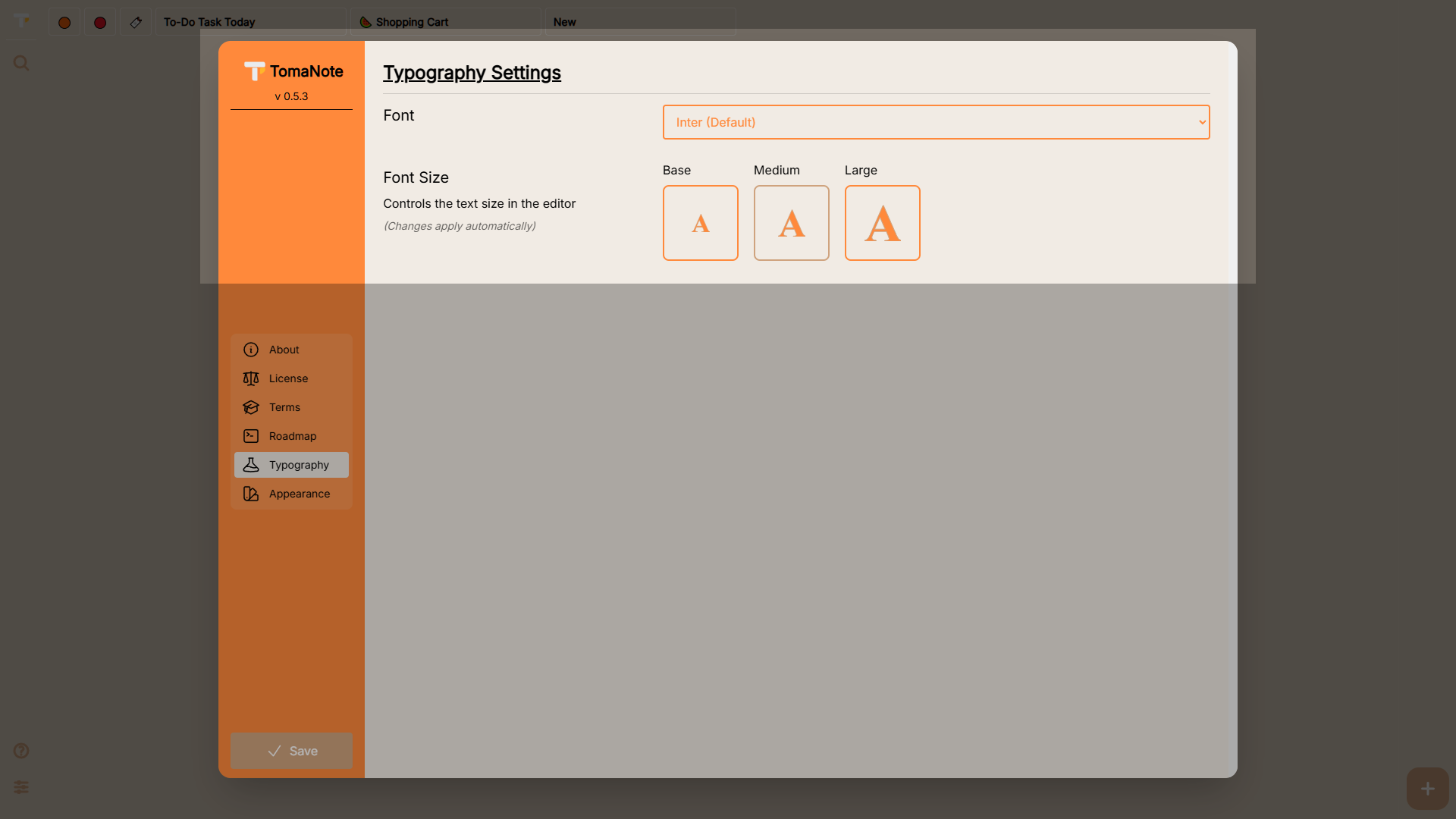
| Typography | Font family and size |
| Appearance | Theme, language, width and paper |
Typography
Section titled “Typography”Pick the font used in the editor:
- Inter (Default), Poppins, Raleway, Open Sans, Roboto, Montserrat.
- Custom: paste a Google Fonts URL (it must start with
https://fonts.googleapis.com/) and the family is loaded and applied automatically.
Font size
Section titled “Font size”| Option | Editor size |
|---|---|
| Base (default) | 16 px |
| Medium | 20 px |
| Large | 25.6 px |
Font settings are saved locally in this browser and applied automatically.
Appearance
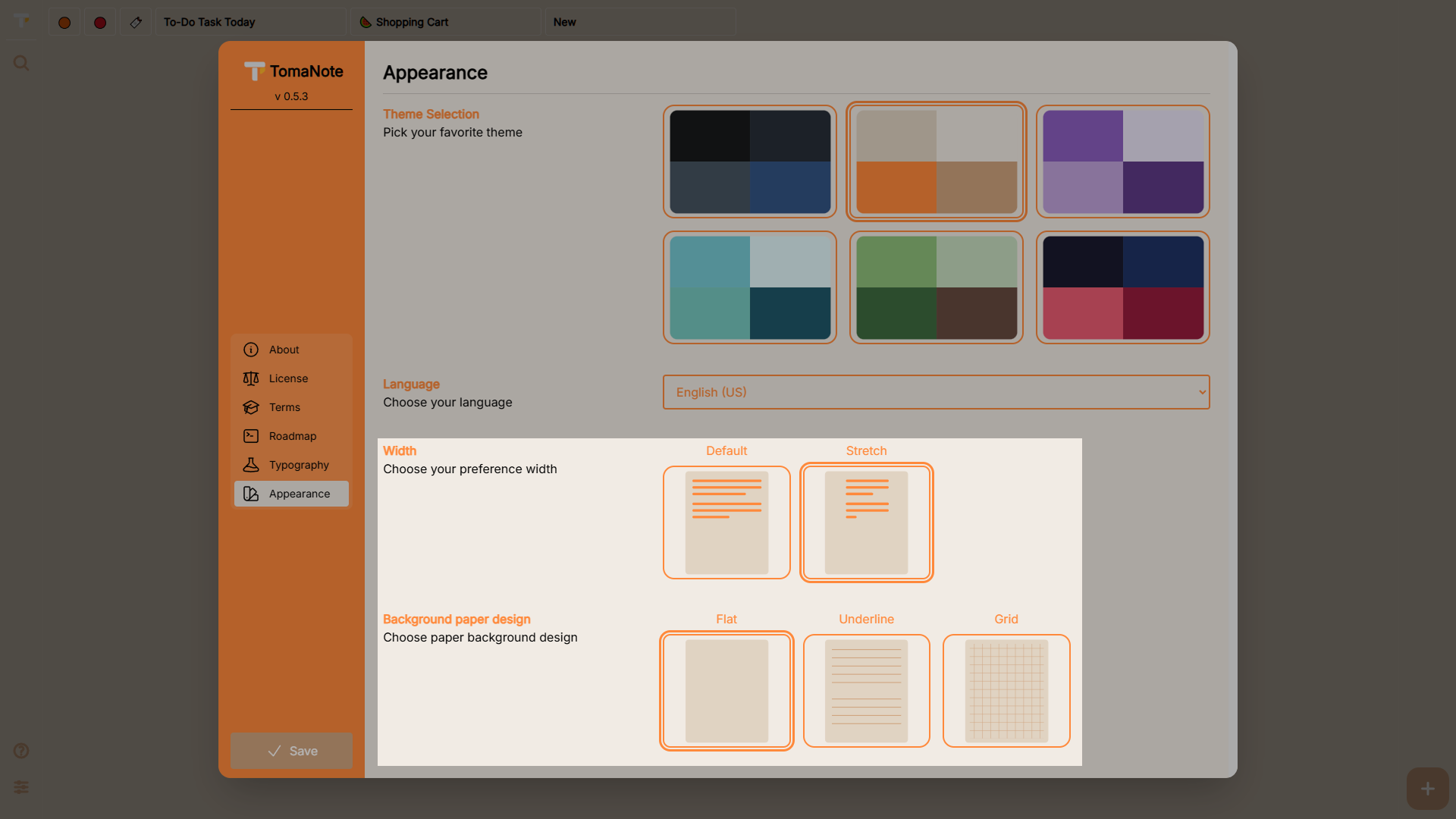
Section titled “Appearance”Six themes are available (there is no “system” option):
| Theme | Colors |
|---|---|
| Dark (default) | Dark charcoal with blue accents |
| Light | Warm beige with orange accents |
| Cozy Rose | Soft pinks and purples |
| Chill Aqua | Teals and aqua |
| Wild Forest | Greens and browns |
| Neon Orbit | Deep navy with magenta |
Language
Section titled “Language”- English (US) or Spanish (CO).
- The interface language switches immediately; your choice is remembered.
Document width
Section titled “Document width”- Default — comfortable reading width.
- Stretch — use the full width (also toggled with
Alt+E).
Paper background
Section titled “Paper background”- Flat — solid background.
- Underline — ruled-paper lines.
- Grid — squared paper.
Roadmap
Section titled “Roadmap”The Roadmap tab shows the released and planned versions as columns:
- Previous releases.
- Current release.
- Next planned version.
Expand each item to read its details. Planned work includes live markdown preview, stylus/pen input, LAN sync and offline preloading. Use “View full changelog →” to see the complete change history on GitHub.
📸 Screenshot:
screenshots/settings-roadmap.png — Roadmap tab