

Getting started
TomaNote is a minimalist, offline-first note-taking web app. It runs entirely in your browser: there are no accounts, no servers and nothing to install. Your notes are saved automatically on your own device.
Open TomaNote
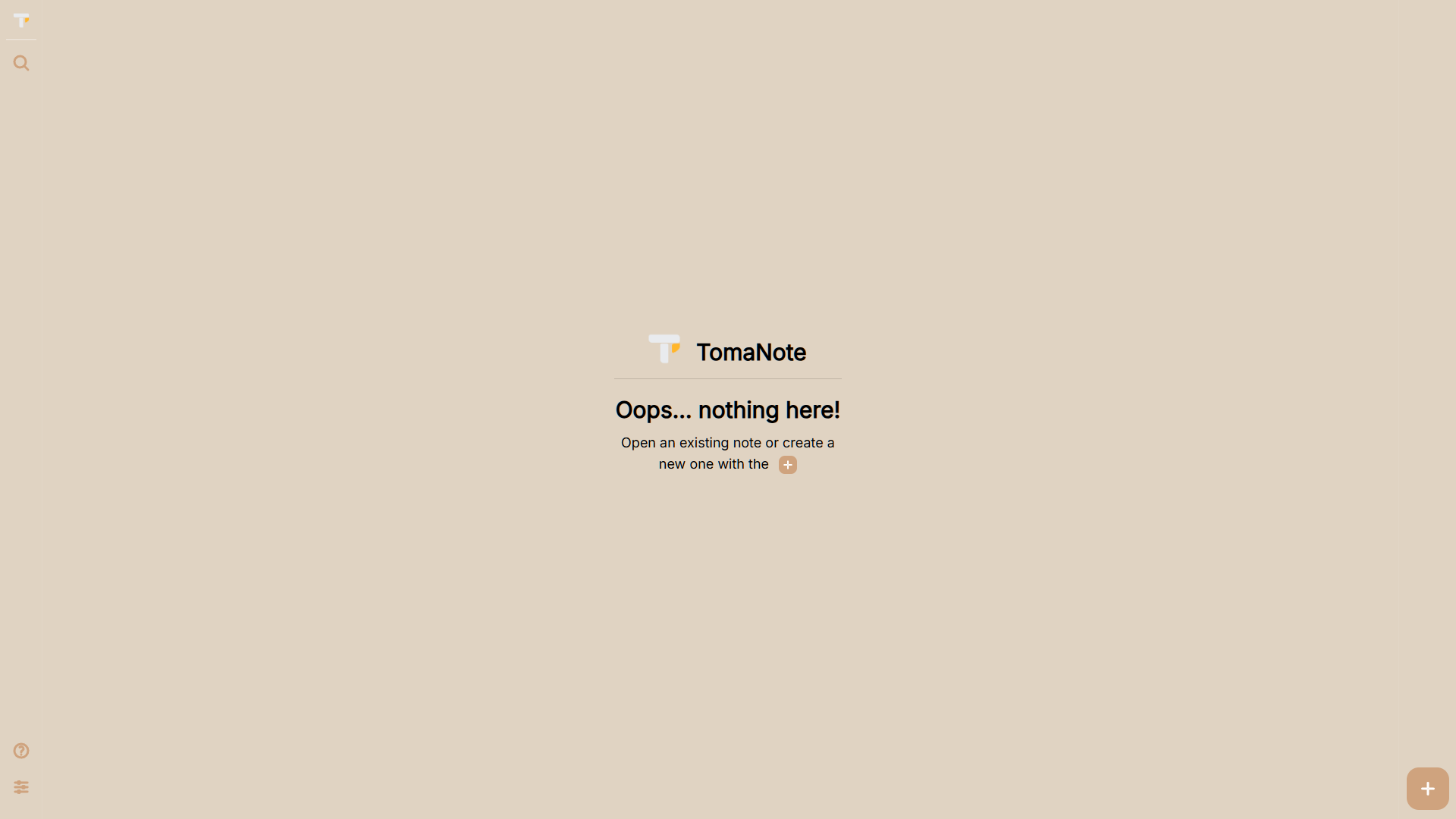
Section titled “Open TomaNote”Visit tomanote.app. You can start writing right away, without signing up.
Create your first note
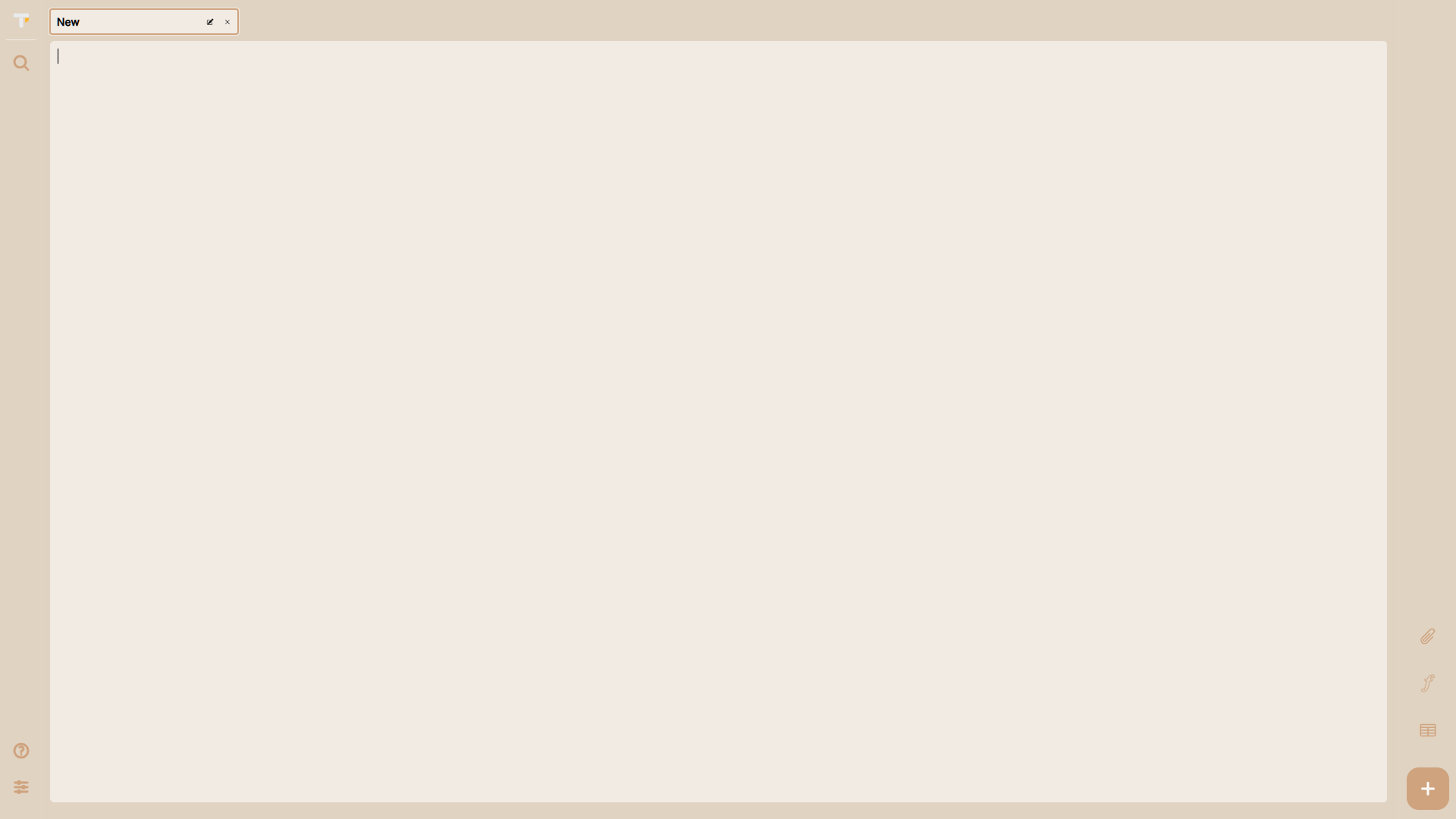
Section titled “Create your first note”- Start typing in the editor to create a new note.
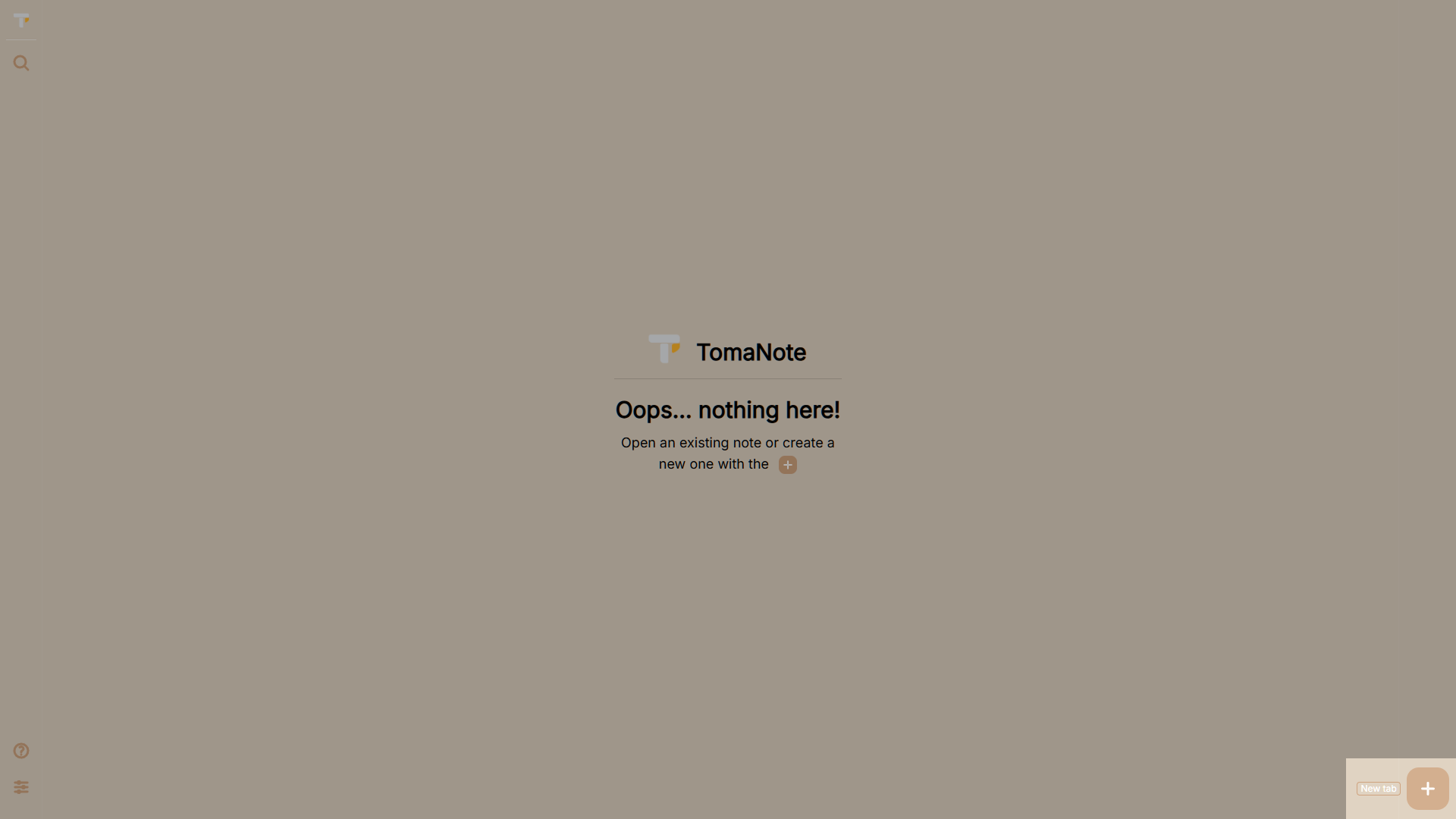
- Use the + button in the right sidebar (desktop) or the bottom bar (mobile), or press
Alt+N, to open another note in a new tab. - Your notes stay open as tabs, just like a browser.
Autosave
Section titled “Autosave”- Every note is saved automatically as you type.
- A Saved indicator appears at the bottom-right of the editor when you pause typing (about five seconds).
- Press
Ctrl+Sat any time to see instant save feedback.
Organize your notes
Section titled “Organize your notes”- Use tabs to manage multiple notes at once.
- Pin your favorite tabs to keep them at hand (
Alt+P). - Search all your notes with the command palette (
Ctrl+K).
Install as an app (PWA)
Section titled “Install as an app (PWA)”TomaNote is an installable progressive web app:
- In the browser address bar, click the install icon (Chrome/Edge) or use the browser menu.
- On mobile, use Add to Home screen.
- Once installed, TomaNote opens in its own window and works offline, thanks to a service worker.
What’s next
Section titled “What’s next”- Interface overview — a tour of every region of the app.
- Keyboard shortcuts — speed up your workflow.
- Privacy & data — where your notes live and how to keep them safe.